

Notifications
Clear all

Topic starter
14/03/2025 11:19 am
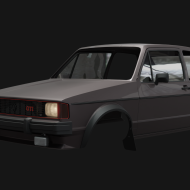
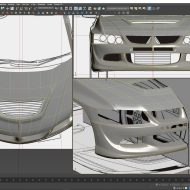
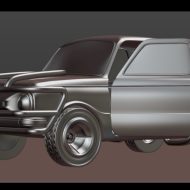
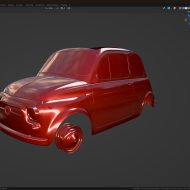
Hi everyone! I've been accumulating quite a lot of 3D models over the past few years, and my current way of organizing them (random folders) is becoming a mess. I'm looking for a dedicated software that can help me view and manage my 3D library. Ideally something that can handle multiple file formats and maybe even provide thumbnails or previews.
What do you all use for this purpose?

17/03/2025 11:45 am
I've been using Connecter by Design Connected at several studios I've worked at. It's pretty comprehensive and, best of all, it's free! You can tag assets, create previews, add descriptions, and it has a great search function. It also integrates nicely with most common 3D software. The live 3D previews are particularly useful when you're trying to find that one specific asset in a sea of models.

20/03/2025 12:16 pm
Check out Anchorpoint. The free version should be sufficient if you just need something to preview your 3D files. It's pretty lightweight but gets the job done.

24/03/2025 5:35 pm
F3D is worth looking into. It supports tons of file formats and generates thumbnails automatically: https://f3d.app

02/04/2025 12:52 pm
For Windows users, Microsoft PowerToys is actually really handy. It's free and adds preview functionality for 3D files right in your existing folders. No need for another application.

15/04/2025 10:50 am
Blender's asset manager is surprisingly good if you're already using Blender. You can save models, materials, collections, HDRIs, geometry nodes, etc. Just drag and drop what you need - no more digging through endless folders!